
You don’t always have internet. On a flight, on the subway, deep in a parking garage, or out on a trail with one bar of service, that’s exactly when you want your music and exactly when streaming lets you down. The fix is simple: download your songs in advance and play them offline.
The tricky part is that most of the big-name apps make you pay for that. Spotify, Apple Music, and YouTube Music all let you save songs for offline listening, but only if you’re on a paid plan. So this blog does two things. First, we cover the iPhone music apps that let you download and play music offline for free, with no subscription required. Then, further down, we cover the paid apps that are worth it if you don’t mind spending a few dollars a month.
Either way, you’ll walk away knowing exactly which app fits how you listen.
Quick comparison: free vs paid offline music apps
| App | Free offline? | How it works offline | Best for |
| Audiomack | Yes | Download tracks in-app on the free tier | Hip-hop, rap, indie, new artists |
| SoundCloud | Limited | Some offline on free; full offline on Go+ | Indie tracks, remixes, demos |
| Trebel | Yes | Download songs for free by watching short ads | Free downloads without a subscription |
| Musicolet | Yes | Plays music files already on your phone | People with their own MP3/audio files |
| VLC for Mobile | Yes | Plays any audio file you load onto it | Any file type, total control, no ads |
| Evermusic | Yes (free tier) | Plays local files + cloud downloads | Cloud storage users (Dropbox, Drive) |
| Flacbox | Yes (free tier) | Plays local and cloud files, incl. FLAC | Audiophiles with high-quality files |
| Apple Music | No | Download after subscribing | iPhone users deep in the Apple world |
| Spotify Premium | No | Download up to 10,000 songs per device | Playlists and music discovery |
| YouTube Music | No | Download on Premium | Covers, live versions, remixes |
| Deezer | No | Download on Premium | Big library + high-quality audio |
A quick note before we dive in: “free” means different things across these apps. Some (like Audiomack and Trebel) give you real music to download at no cost. Others (like VLC and Musicolet) are free players. They don’t come with a music library, but they’ll play any songs you already own. We’ll be clear about which is which.
Best free offline music apps for iPhone
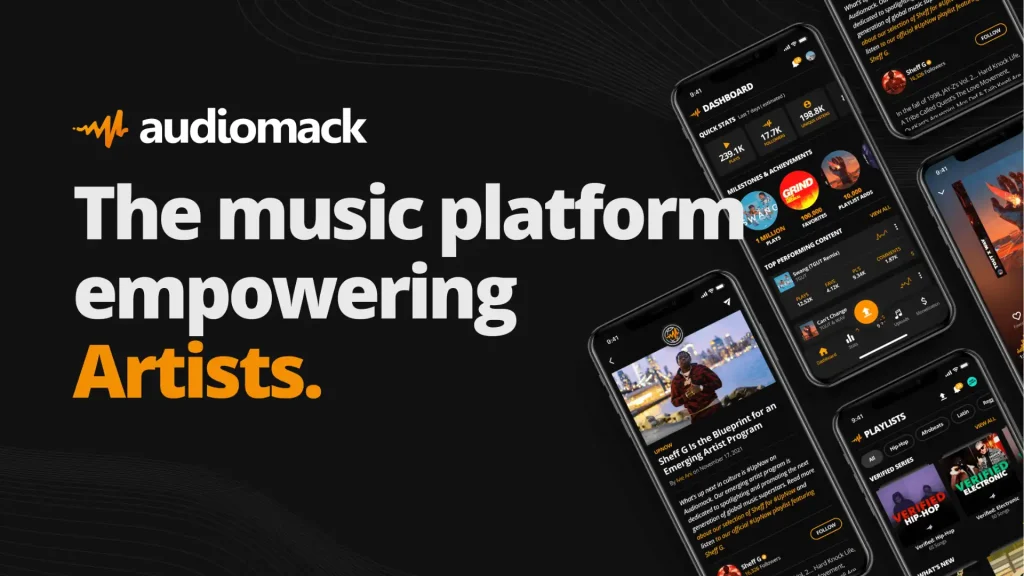
1. Audiomack
If you want actual free downloads inside one app, Audiomack is the first one to try. It’s built around hip-hop, rap, R&B, Afrobeats, and a huge pool of independent artists, and the free tier lets you download tracks and play them offline, with no paid plan needed.
The catch is what you’d expect from anything free: you’ll hear ads, and the catalog leans toward newer and independent music rather than the full mainstream chart. But for discovering artists before they blow up, it’s hard to beat.
Good for:
Fans of hip-hop, rap, and up-and-coming artists who want free offline downloads.
Keep in mind:
Ads on the free tier, and the library isn’t as broad as Spotify or Apple Music.
Price:
Free. (A paid tier removes ads.)

2. SoundCloud
SoundCloud is where a lot of music lives before it shows up anywhere else, like demos, remixes, live sets, and tracks straight from the artist. The free app lets you stream and save content for offline listening, and if you upgrade to SoundCloud Go+, you unlock full offline access to the entire catalog.
It’s the app to reach for when you’re chasing something you can’t find on the mainstream services.
Good for:
Indie music, remixes, and discovering tracks that aren’t on the big platforms.
Keep in mind:
Full offline listening really needs Go+; the free offline options are limited.
Price:
Free tier available. Go+ runs about $12.99/month at the time of writing.
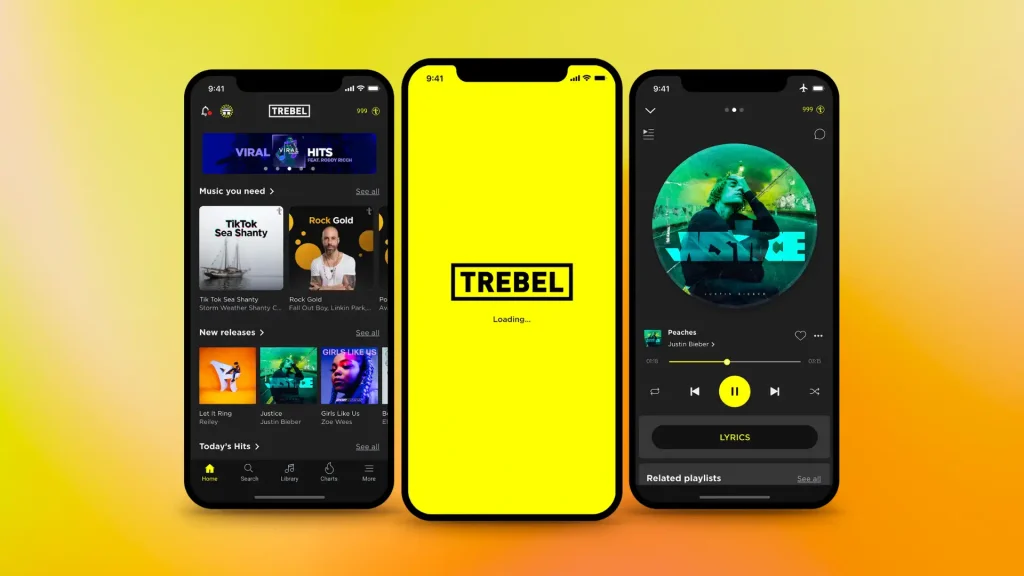
3. Trebel
Trebel has a clever model: you download songs completely free, and instead of paying for a subscription, you watch a short ad now and then. Once a song is downloaded, it plays offline like anything else.
If the idea of a monthly music bill bothers you but you still want real songs to download, Trebel is worth a look.
Good for:
People who want free, legal downloads and don’t mind the occasional ad.
Keep in mind:
Ads are part of the deal, and the catalog can vary by region.
Price:
Free.

4. Musicolet
Musicolet is a pure offline player, so it doesn’t stream anything. What it does is play the music files already stored on your iPhone, and it does that really well, with no ads, no account, and no internet required at any point.
If you’ve got a folder of MP3s or other audio files and just want a clean, no-nonsense app to play them, this is it.
Good for:
Anyone with their own music files who wants a simple, ad-free player.
Keep in mind:
No built-in library, so you bring your own music.
Price:
Free.
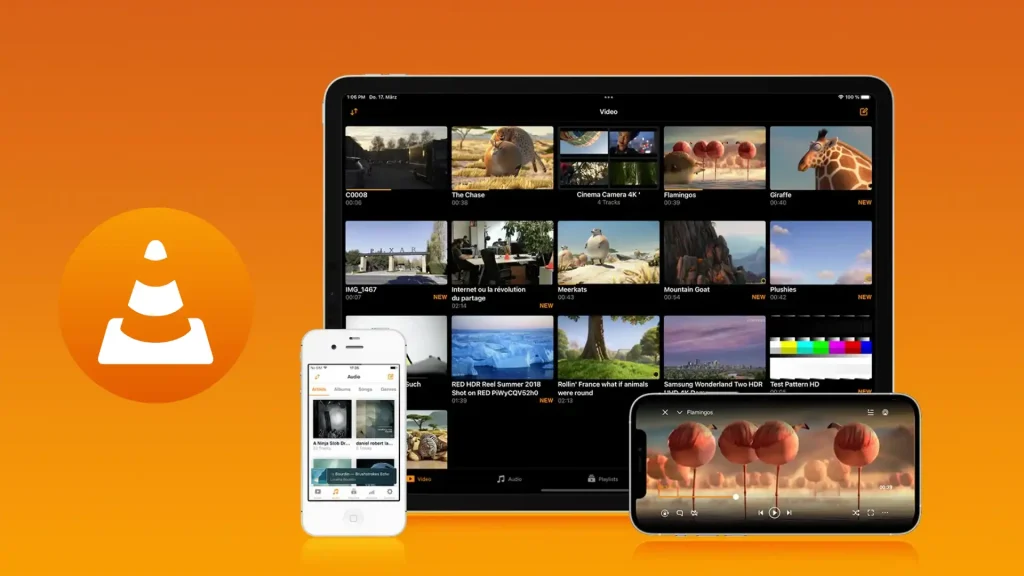
5. VLC for Mobile
You probably know VLC from your computer. The iPhone version is just as capable and just as free. It plays nearly any audio (and video) format you throw at it, like MP3, FLAC, and WAV, and there are no ads and no subscriptions, ever.
You load your own files onto it (through iTunes/Finder sync, cloud, or Wi-Fi transfer), and everything plays offline. For people who keep their own music collection, VLC is one of the most reliable free options out there.
Good for:
Play any file type with zero ads and full control.
Keep in mind:
It’s a player, not a music store, so you supply the songs.
Price:
Free.
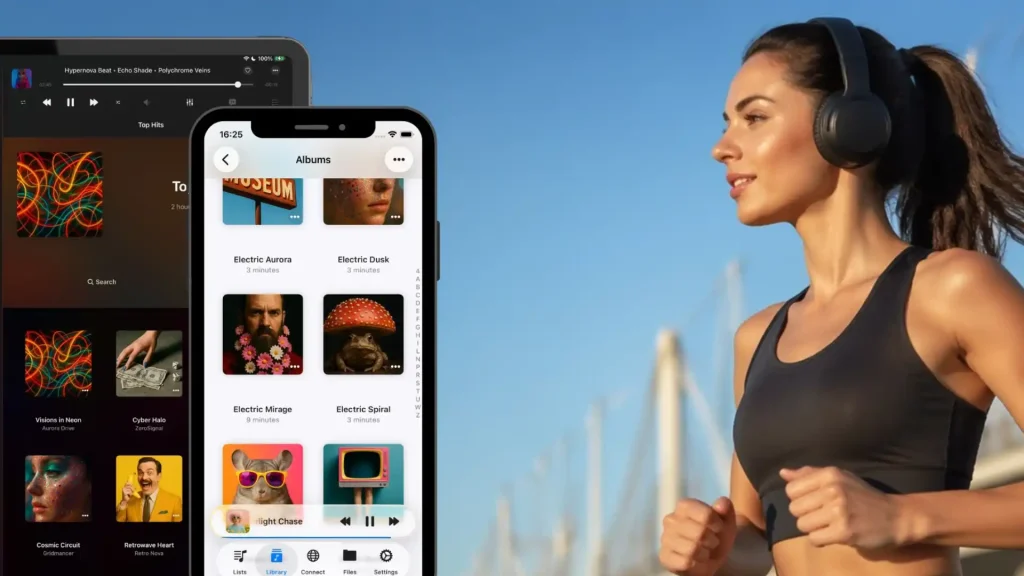
6. Evermusic
Evermusic sits nicely between a local player and a cloud app. You can play music files stored on your iPhone, and you can also connect cloud accounts like Dropbox or Google Drive, download tracks from them, and listen offline.
If your music lives in the cloud rather than on a streaming service, this is a great way to pull it down and take it with you.
Good for:
People who store their music in Dropbox, Google Drive, or similar.
Keep in mind:
The free version covers the basics; some extras are paid.
Price:
Free tier available, with an optional paid upgrade.

7. Flacbox
Flacbox is the pick for people who care about sound quality. As the name hints, it handles FLAC and other high-resolution formats that the standard iPhone music app won’t touch. It plays files from your phone and from cloud storage and works fully offline once your music is saved.
It’s a bit more of an enthusiast’s app, but if you’ve spent time building a high-quality library, Flacbox treats it properly.
Good for:
Audiophiles with FLAC or other high-res files.
Keep in mind:
The free version shows ads; a one-time upgrade removes them.
Price:
Free tier available, with a paid lifetime option.
Best paid music apps with offline listening
The apps above cover you for free. But if you want one app with millions of songs, smart recommendations, and seamless downloads, a paid service is the easier path. These all require a subscription to listen offline, but the experience is smoother and ad-free.

8. Apple Music
For most iPhone owners, Apple Music is the natural choice. It’s built into the phone, it carries over 100 million songs, and downloading anything for offline play takes one tap. Lossless and Spatial Audio are included at no extra cost.
Good for:
iPhone users who want the simplest, most integrated option.
Price:
- Individual: $10.99/month
- Family (up to 6 users): $16.99/month
- Student: $5.99/month
Apple Music is the perfect choice for iPhone users looking for an iOS offline music player with a vast song library and the ability to manage offline playlists.

9. Spotify Premium
Spotify’s strength is discovery. Its playlists and recommendations are still the best in the business, and Premium lets you download up to 10,000 songs per device on up to five devices. As of 2025, lossless audio is included too.
Good for:
Anyone who loves playlists and finding new music.
Price:
- Individual: $10.99/month
- Family (up to 6 users): $19.99/month
- Student: $5.99/month
- Duo Plan: $16.99/month
If you’re searching for music apps that work offline on iPhone, Spotify Premium stands out for its user-friendly interface and strong community features.
10. YouTube Music
YouTube Music has something the others don’t: every cover, remix, live performance, and fan upload that ever hit YouTube. Premium unlocks offline downloads and background play. If you already pay for YouTube Premium, YouTube Music is included.
Good for:
People who want official tracks plus the rare and unofficial stuff.
Price:
- YouTube Music Premium: $10.99/month
- Family (up to 6 users): $16.99/month
- Student: $5.49/month (Bundled with YouTube Premium at $15.99/month.)
If you’re a fan of YouTube’s vast music library and want an iOS offline music player for your music videos, YouTube Music is a great pick.

11. Deezer
Deezer pairs a large catalog with strong audio quality and solid offline support. Its Flow feature builds a personalized mix that learns what you like, and Premium lets you download songs, albums, and playlists for offline play.
Good for:
Listeners who want a big library and good sound without defaulting to the usual two.
Price:
- Deezer Premium: $11.99/month
- Deezer Duo: $15.99/month
- Deezer Family: $19.99/month
With high-quality audio and an intuitive interface, Deezer is a solid choice for anyone looking for a reliable iPhone music app offline.
Free vs paid: which should you actually pick?
Here’s the honest answer most guides won’t give you plainly.
Go free if you mostly listen to your own music files, you’re into indie and hip-hop, or you simply don’t want a recurring bill. A combo like VLC or Musicolet (for your own files) plus Audiomack or Trebel (for free downloads) covers a lot of ground without costing a cent.
Go paid if you want one app with nearly every song ever made, you live by your playlists, and you’d rather not deal with ads or file management. At roughly $11–13 a month, the big services buy you convenience more than anything else.
There’s no wrong answer. Plenty of people run a free player for their own collection and a paid service for everything else.
How to listen to your own music offline on iPhone (Free)
If you already own music, like ripped CDs, purchased downloads, or files from your computer, you don’t need a subscription at all. Here’s the short version:
- Pick a free player like VLC, Musicolet, or Evermusic.
- Move your music files onto your iPhone. The easiest routes are syncing through Finder (Mac) or the Apple Devices app (Windows), or uploading to a cloud service like Dropbox and downloading inside an app like Evermusic.
- Open the player and play. Since the files live on your phone, they work in Airplane Mode and anywhere with no signal.
That’s it, your music, offline, free, forever.
Frequently asked questions
For free downloads inside one app, Audiomack and Trebel are the top picks. If you already have your own music files, VLC and Musicolet are the best free players for offline listening.
Yes. Apps like Audiomack and Trebel offer free downloads, and free players like VLC, Musicolet, and Evermusic play music files you already own, all offline, with no subscription.
Most do. Audiomack, Trebel, and the free tiers of Flacbox include ads. Pure file players like VLC and Musicolet have no ads because they don’t run a music service.
Yes. As long as you download (or already have) the songs on your phone, they’ll play with no signal, including in Airplane Mode.
Yes, when you use legitimate apps like Apple Music, Spotify, Audiomack, or Trebel, or when you play music files you legally own. Avoid pirated download apps and sources.
A typical song runs from about 2 MB to 10 MB depending on quality. A large offline library can add up to a few gigabytes, so keep an eye on your storage if you download a lot.
For free, load your own playlist into VLC or download tracks in Trebel before you leave. For paid services, Spotify and Apple Music both make travel downloads effortless.
Final thoughts
Listening offline doesn’t have to cost anything. If you mostly play your own files, a free player like VLC or Musicolet is all you need. If you want free downloads handed to you, Audiomack and Trebel deliver. And if you’d rather pay for convenience and a massive catalog, Apple Music and Spotify are worth every dollar.
Start with how you actually listen, pick one app from the right list, download a few songs while you’re on Wi-Fi, and you’ll never be stuck in silence again.
We help brands build apps and digital experiences people actually love using. If you’ve got an app idea of your own, our mobile app development team can help you bring it to life, and if you’re in the music space, take a look at how we work with music and band clients.
One Response
Gracias