
Getting people to watch your YouTube videos is not always as simple as pressing the upload button. You may create a useful video, choose a great topic, and still struggle to get views.
That is because millions of videos are uploaded to YouTube, and your content has to compete for attention.
YouTube SEO tools can help you understand your competition, improve your titles, discover what people are searching for, and find better topics for future videos, which can make a real difference.
Instead of guessing what viewers want, you can use real data to make smarter choices.
The good news is that you do not need to use every tool available. A few well-chosen tools can give you enough information to improve your videos and grow your channel.
What Is YouTube SEO and Why Does It Matter?
YouTube SEO means improving your videos so that YouTube can better understand them and show them to people who are likely to enjoy watching them. It involves things such as keywords, titles, descriptions, thumbnails, viewer engagement, and watch time.
Imagine you create a video called “Easy Chocolate Cake Recipe.” Someone searches YouTube for “easy chocolate cake recipe,” and your video clearly uses that phrase in a natural way. Your title, description, and video content all match the search. YouTube has a better idea of what your video is about.
A well-optimized video still needs useful content, a strong thumbnail, and an engaging presentation to keep people watching. SEO can help your YouTube videos appear in search results and reach viewers who are interested in your topic.
What Should You Look for in a YouTube SEO Tool?
The best tool depends on what you are trying to improve. A beginner may only need keyword ideas and basic analytics, while an experienced creator may want competitor research and detailed performance data.
Keyword Research and Search Volume
A good tool should help you discover phrases people actually search for. It may also show how popular a keyword is and how difficult it could be to compete for.
For instance, instead of targeting the broad phrase “fitness,” a creator might discover that “10-minute home workout for beginners” is more specific and closely connected to a particular audience.
Competitor and Content Analysis
Competitor research can show you which topics, keywords, and videos are performing well in your niche. This does not mean that you should copy another creator. Instead, you can notice gaps and create something more useful or more interesting.
Video Ranking and Performance Tracking
Tracking performance helps you understand whether your changes are working. Look at metrics such as views, impressions, click-through rate, watch time, and audience retention.
Title, Tag, and Description Optimization
Some tools can suggest ways to improve your titles, tags, and descriptions. These features are helpful when you want to make your videos easier for both YouTube and viewers to understand.
List of 10 Best YouTube SEO Tools for Video Optimization
1. TubeBuddy – Best All-Around YouTube SEO Tool
TubeBuddy is one of the popular choices for creators who want several YouTube optimization features in one place. It can help with keyword research, video optimization, title ideas, and channel management.
One useful feature is its ability to help creators compare keyword opportunities. This can make it easier to find relevant topics without choosing terms that are extremely difficult to rank for.
TubeBuddy can be very useful for creators who want a broad set of features instead of using several separate platforms.
2. vidIQ – Best for Keyword and Competitor Research

vidIQ focuses heavily on helping creators understand what can drive views and audience growth. Its features include keyword research, content ideas, competitor insights, and video optimization suggestions.
For example, if you run a gaming channel, you can use the platform to explore popular gaming topics and identify keywords related to upcoming games or common player questions.
It can also help you study successful channels in your niche. The goal should be to learn what works and then create your own original approach.
3. Google Trends – Best for Finding Trending Topics
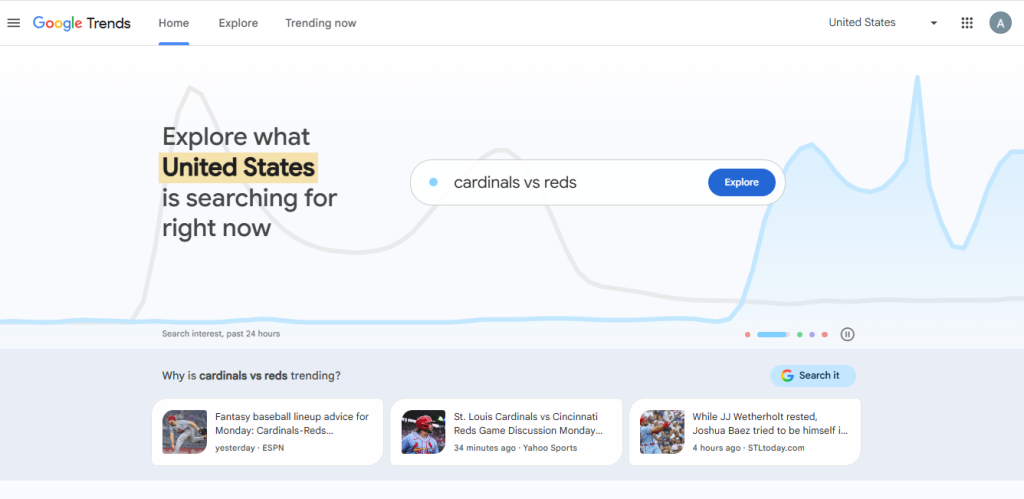
Google Trends is a simple but powerful tool for discovering changes in search interest. You can compare different terms and see whether interest is rising, falling, or staying steady.
Suppose you have a technology channel and are deciding between two topics. Google Trends can help you see which subject is attracting more search interest. You can then decide whether the topic is worth covering.
It is also very useful for seasonal content as well. Searches for school supplies, holiday recipes, or gift ideas may rise during certain times of the year, giving creators a chance to publish content when interest is high.
4. Ahrefs – Best for Advanced Keyword Research

Ahrefs is widely known for SEO research purposes, and it can also be useful for creators who want to understand search behavior beyond YouTube.
Its keyword research features can help you explore search terms, related phrases, and competition. This can be useful when planning content around a specific subject.
For example, a gardening creator could research a broad topic such as “growing tomatoes” and discover related questions that could become separate videos. Instead of creating one general video, the creator can build a group of useful videos around specific viewer needs.
5. Semrush – Best for Comprehensive SEO and Content Research
Semrush offers a wide range of SEO and content research features. Although it is not built only for YouTube, its keyword and competitor research capabilities can support a strong video strategy.
Creators can use it to understand what people are searching for and identify related topics worth exploring. Semrush can be useful for businesses that use YouTube alongside a website, blog, or other marketing channels.
Using one research platform across several parts of your online strategy can also make content planning easier.
6. Keyword Tool – Best for YouTube Keyword Ideas
Keyword Tool is useful when you need lots of keyword suggestions quickly. It can generate phrases based on what people search for, giving you ideas for video topics, titles, and supporting terms.
This is especially helpful when you have a general subject but do not know exactly what viewers want to learn.
For example, searching around “kids‘ science experiments” could reveal specific searches such as easy experiments, experiments at home, or experiments using everyday materials. Each idea could become a separate video.
7. YouTube Studio – Best Free Tool for Channel Analytics
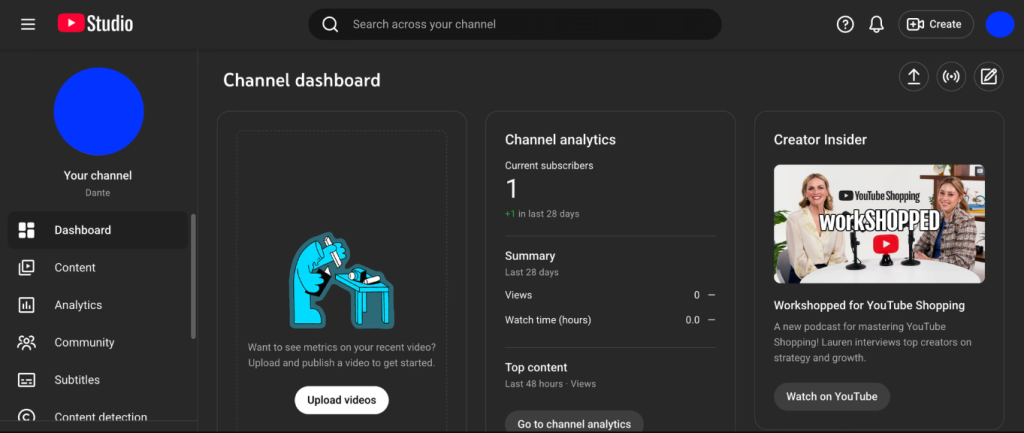
YouTube Studio should be one of the first places creators check because it provides first-party information about their own channel. You can see how viewers find your videos, how long they watch, and how often they click on your thumbnails.
These numbers can tell an important story. If a video receives many impressions but few clicks, the thumbnail and title may need attention. If people click but leave quickly, the opening may not deliver what the title promised.
Unlike many third-party platforms, YouTube Studio gives you direct information about how your actual audience behaves.
8. Morningfame – Best for Simple YouTube Analytics

Morningfame is designed to make YouTube research and analytics easier to understand. It can help creators study channel performance, research keywords, and compare their content with competing videos.
Its simple approach may appeal to smaller creators who find advanced analytics platforms overwhelming. Rather than looking at dozens of numbers, you can focus on useful information that helps you make better content decisions.
It is particularly helpful when you are still learning how different YouTube metrics connect to channel growth.
9. Social Blade – Best for Competitor and Channel Tracking
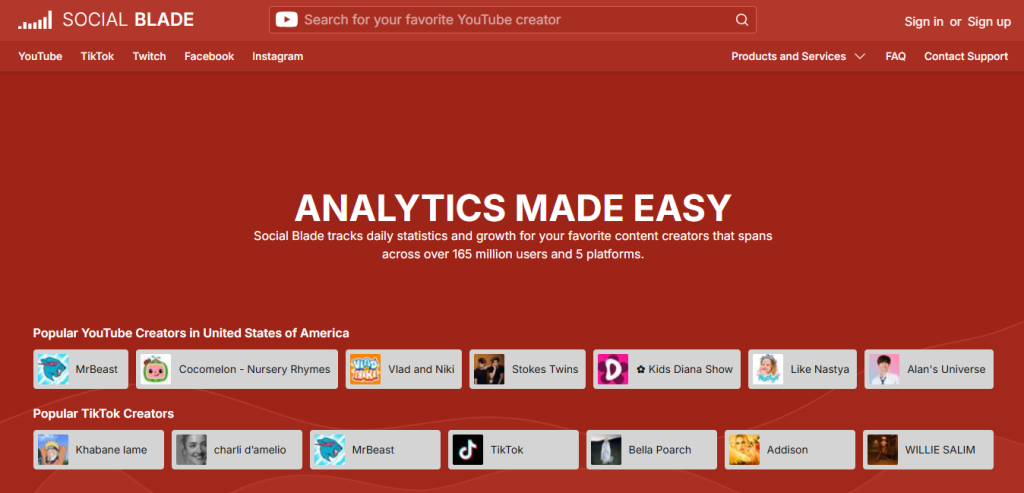
Social Blade provides public statistics for many social media channels, including YouTube. It can be useful for observing how channels grow over time and comparing broad performance patterns.
For example, you might notice that a competing channel grew quickly after consistently publishing videos around a particular subject. That does not prove the topic caused the growth, but it can give you an idea worth investigating.
Use competitor data as research rather than a reason to copy someone else’s content. Your goal is to find opportunities where you can offer something different or better.
10. AnswerThePublic – Best for Finding Video Content Ideas
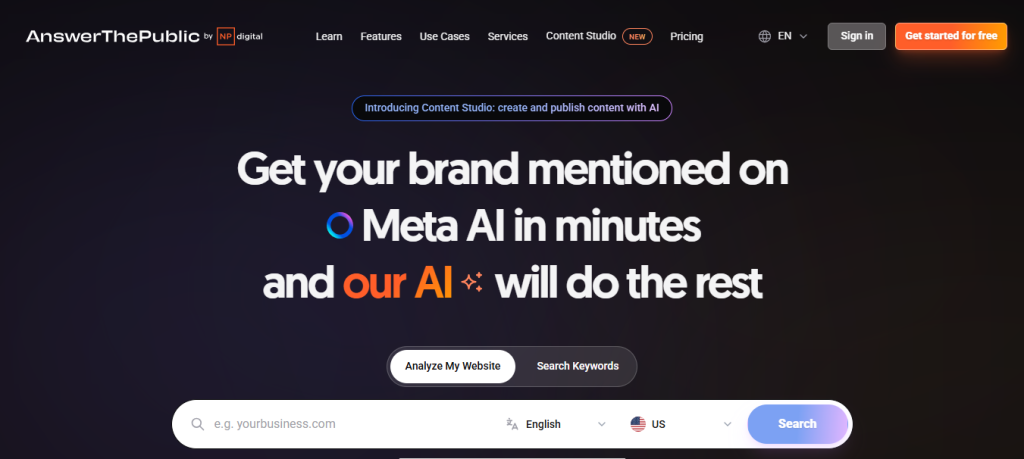
AnswerThePublic helps turn common searches and questions into content ideas. It is useful when you want to understand what people are curious about instead of simply choosing topics at random.
Imagine you have a cooking channel. Rather than making another general pasta video, you could explore questions people ask about cooking pasta. Those questions can inspire focused videos that directly answer specific problems.
This approach can make your content more useful because you are starting with real questions instead of guessing what viewers might want.
How to Use YouTube SEO Tools to Optimize a Video
Using youtube seo tools effectively does not mean spending hours checking every possible metric. A simple process is often enough.
Start With the Right Keyword
Begin by finding a phrase that matches your video’s topic and your audience’s needs. Look for a keyword that has genuine search interest but is still realistic for your channel.
Most importantly, make sure the keyword matches the actual video. If people click expecting one thing and receive something completely different, they may leave quickly.
Create a Search-Friendly Title
Your title should tell viewers exactly what they will get. Include your main keyword naturally, but do not force it into an awkward sentence.
A title such as “How to Grow Tomatoes in Pots: Beginner’s Guide” is clear, useful, and easy to understand. It tells both the viewer and YouTube what the video covers.
Optimize the Description and Tags
Write a natural description that explains the video’s main points. Include relevant terms where they make sense, but avoid filling the description with repeated keywords.
Tags can provide additional context, but they should not become your main focus. Your content, title, thumbnail, and viewer response matter much more than simply adding a long list of tags.
Improve Thumbnails and Click-Through Rate
A strong thumbnail can make a huge difference between someone scrolling past your video and clicking it. Keep the design simple, readable, and connected to the video’s promise.
Your thumbnail and title should work together. If the title creates a question, the thumbnail can visually support that idea without simply repeating the same words.
Track Results and Update Your Strategy
After publishing your video, give it some time to collect data. Then check your analytics to see what happened.
Pay attention to impressions, watch time, click-through rate, traffic sources, and audience retention. If viewers are finding the video but not clicking, improve its packaging. If they click but leave early, look at the opening and overall content.
This turns YouTube SEO into an ongoing learning process instead of a one-time task.
YouTube SEO Tools: Which One Is Right for You?
There is no single best option for every creator. Your choice should depend on your goals, experience, and budget.
For beginners, YouTube Studio can provide valuable information without requiring another platform. TubeBuddy and vidIQ are useful when you want more dedicated optimization and research features.
Google Trends is excellent for spotting changes in topic interest, while Keyword Tool and AnswerThePublic can help generate ideas.
For advanced research, you can opt for Semrush and Ahrefs because they offer broader SEO capabilities. Morningfame is worth considering if you prefer simple analytics, while Social Blade can help with public competitor and channel research.
The important thing is to choose a tool that answers a real question. Do not collect tools simply because another creator recommends them.
Common YouTube SEO Mistakes to Avoid
Even the best youtube seo tools cannot fix a weak content strategy. Many creators make the mistake of focusing too heavily on keywords while forgetting about the people watching the video.
Avoid these common mistakes:
- Stuffing keywords into titles and descriptions.
- Choosing popular keywords that do not match your content.
- Ignoring thumbnails and click-through rate.
- Focusing only on rankings instead of watch time and retention.
- Copying competitors instead of developing original ideas.
- Checking analytics without using the information to improve future videos.
Think of SEO as a way to help the right viewers discover your content. Once they click, your video needs to give them a reason to stay.
Conclusion
Growing on YouTube rarely happens because of one perfect tool or just one clever keyword. Growth actually comes from understanding your target audience, learning from your results, and creating useful videos.
The right youtube seo tools can make that process much easier. They can help you discover better topics, understand search behavior, study competitors, and see what is working on your own channel. But tools are only part of the picture.
Start with one or two tools that match your requirements. Use the information to make practical changes, then observe how your audience responds. These small improvements can lead to better videos, stronger visibility, and help your channel move forward over time.
Frequently Asked Questions
Some of the best YouTube SEO tools include TubeBuddy, vidIQ, Google Trends, Ahrefs, Semrush, Keyword Tool, YouTube Studio, Morningfame, Social Blade, and AnswerThePublic. Each serves a different purpose, from keyword research and competitor analysis to analytics and content ideas. The best choice depends on your goals, budget, and level of experience.
A YouTube SEO tool is a platform that helps creators improve their videos for search and discovery. These tools can help find keywords, analyze competitors, generate content ideas, track video performance, and optimize titles or descriptions. They make it easier to use data instead of guesswork when planning and improving videos.
YouTube SEO tools collect and analyze information related to searches, keywords, competitors, and video performance. Depending on the tool, they may show keyword popularity, competition, related search terms, rankings, or audience metrics. Creators can use these insights to choose better topics, optimize videos, and understand what is working.
TubeBuddy and vidIQ are good choices for beginners because they offer relatively simple tools for keyword research, video optimization, and content planning. YouTube Studio is also essential because it provides direct information about your channel and audience. Beginners should start with features they understand rather than trying to use every available option.
YouTube Studio is one of the best free options because it provides first-party analytics directly from YouTube. Google Trends is another useful free tool for researching topic interest and trends. Together, they can give creators valuable information without requiring a paid subscription.
YouTube SEO tools can help you find topics people are searching for, choose relevant keywords, improve titles, and understand what your audience responds to. This can increase the chances of your videos being discovered by interested viewers. However, no tool can guarantee more views because video quality, thumbnails, audience retention, and engagement also matter.
Yes, they can support higher rankings by helping you identify relevant keywords and improve your video’s overall optimization. However, using a tool does not automatically make a video rank higher. YouTube also considers factors such as relevance, viewer satisfaction, watch time, engagement, and how viewers respond to the video.
TubeBuddy, vidIQ, Keyword Tool, Ahrefs, and Semrush are useful for keyword research. Google Trends can also help you understand whether interest in a topic is growing or declining. For beginners, a simple tool such as Keyword Tool or vidIQ may be easier to use, while advanced creators may prefer the deeper research features of Ahrefs or Semrush.
Yes, especially if you regularly create videos and want to make decisions based on real data. They can save time when researching keywords, finding content ideas, analyzing competitors, and reviewing performance. They are most valuable when you use their insights to improve your content rather than relying on them as a shortcut to success.
Start by deciding what you need help with. If you mainly need analytics, YouTube Studio may be enough. For keyword research and optimization, consider TubeBuddy, vidIQ, or Keyword Tool. If you want advanced SEO and competitor research, Ahrefs or Semrush may be better. Choose a tool that fits your goals, budget, experience, and content strategy rather than simply choosing the one with the most features.