

Think of your Google Business Profile as a high-maintenance digital child that screams for attention every five minutes. If you ignore it, it tells your customers you died three years ago.
If you feed it, it puts money in your pocket. This is not just a map pin. It is your primary interface with the local economy. Stop treating it like a set-and-forget directory listing.
You are competing for a tiny piece of screen real estate against local sharks.
If your data is messy, Google will bury you deeper than a page two search result.
Learn the “Google Business Profile updates news” or stay invisible. Use this guide to sharpen your local presence.
How to Optimize Your Google Business Profile for Local SEO Success?
Start by securing your CID number. This unique identifier tracks your profile across the search ecosystem, even if you change your name. Map coordinates matter more than your text. You must match your latitudinal and longitudinal data with your actual physical storefront. Google uses proximity as a primary ranking signal.
If your pin is off by fifty feet, you lose. Audit your local citations. Ensure every mention of your brand matches your profile exactly. Google cross-references your website data with third-party directories. Any discrepancy triggers a red flag.
This signals a lack of reliability in the algorithm. Focus on local backlinks from high authority neighborhood sites. This builds geographic relevance. You need to prove you are a pillar of the local community. Stop using generic keywords.
Target hyperlocal search terms that include your specific neighborhood or district. This captures high-intent traffic from people standing five blocks away. Use local search grid tools to map your performance across different city blocks.
This reveals where your ranking drops off. Use this data to target your local ad spend. High-density areas require more aggressive posting and review acquisition.
Your proximity to the searcher is the king of all local signals. Manage it with extreme precision to dominate the local map pack.
The Google Business Profile Setup Checklist That Prevents Common Errors
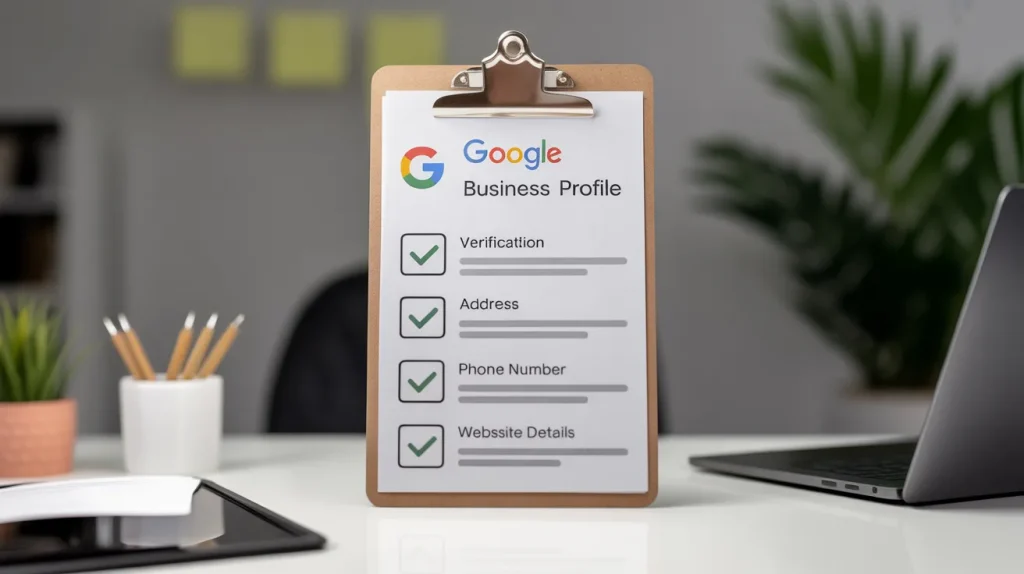
Verification is the first hurdle where most fail. Do not use a P.O. Box. Google detects these immediately and suspends your account. You need a physical location where customers can find you. Use the video verification method if available. It provides the strongest proof of existence.
Set your operating hours with precision. If you change them for holidays, update the special hours section. Failure to do so leads to negative reviews from angry customers who found a locked door. Check your service area settings. Do not select a two-hundred-mile radius if you only drive twenty.
This dilutes your local relevance. Select specific zip codes instead. Ensure your phone number is a local area code. Toll-free numbers look like spam to local searchers. Link your profile to a dedicated landing page on your site.
This page must contain the same Name, Address, and Phone data found on your profile. Consistency prevents the map algorithm from doubting the authenticity of your location. Verify your business email matches your website domain.
Using a generic free email provider looks unprofessional and triggers trust filters. Double-check your primary category before submitting. A mistake here ruins your visibility from day one.
Choosing the Right Business Categories to Increase Qualified Calls
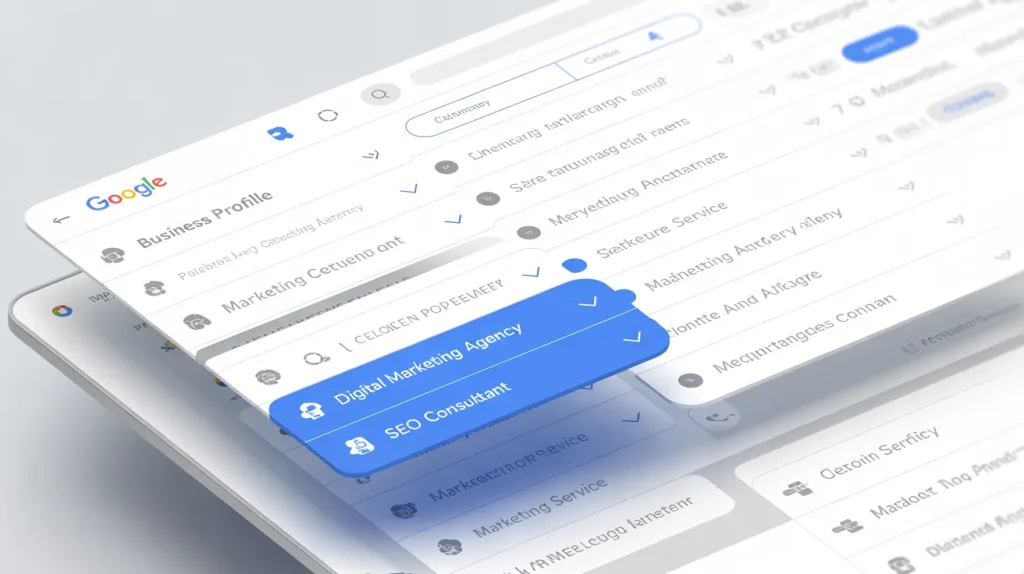
Your primary category accounts for about eighty percent of your ranking power. Choose the most specific option available. If you are a Personal Injury Lawyer, do not just pick a lawyer.
This broadness invites too much competition from irrelevant niches. Use secondary categories to capture related searches.
Limit these to three or four highly relevant choices. Overcrowding your categories confuses the search engine.
It weakens your primary signal. Monitor the “Google Business Profile updates news” for new category releases.
Google adds niche-specific options frequently. Changing to a more precise category often leads to an immediate jump in call volume. Research your competitors using local grid tools. See which categories they use to dominate the local pack.
If they rank higher, they likely found a category you missed. This is a game of precision. Every choice must serve a strategic purpose for your lead generation. Think about the specific services you provide. Pick categories that match those services exactly.
Avoid the temptation to select every category that seems vaguely related. This dilutes your authority. Focus on the core of your business. Your category selection tells Google what you do. Get it right or stay hidden.
Writing Business Descriptions That Rank Well and Still Read Naturally
You have seven hundred and fifty characters. Use every single one. Put your most important keywords in the first two sentences. Users often only see the snippet before clicking. Write for humans, but structure for machines.
Avoid keyword stuffing because it triggers spam filters. Use natural language that describes your unique value proposition. Mention specific services and your service area name.
This reinforces your local authority. Do not include links or promotional offers here. Google prohibits this and will reject your description. Focus on the history of your business or your specialized expertise. This builds trust with technical users who want specifics.
Update this section if you pivot your business model. Keep the information fresh and accurate.
A stale description suggests a stale business. Use active verbs to drive engagement. Tell the reader exactly what you do better than the guy across the street.
Explain your process or your unique approach to customer service. Technical readers appreciate specific details over vague marketing fluff. Avoid the words that make you sound like a generic corporation.
Speak directly to your local customer base. Your description is your elevator pitch to the entire city. Make it count.
Using Google Business Profile Photos to Improve Clicks and Foot Traffic
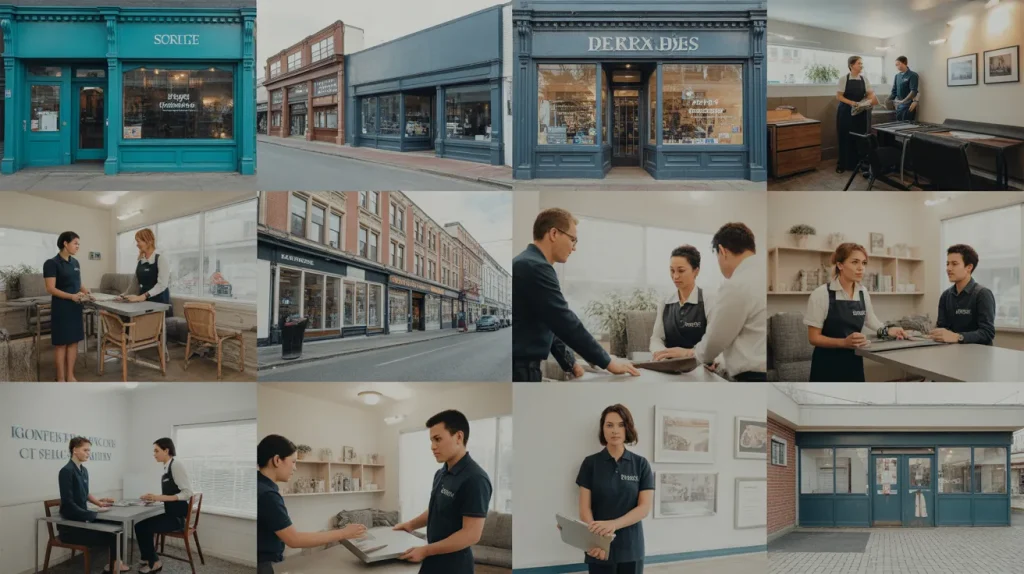
Visual data carries heavy weight. Upload high-resolution images of your exterior and interior. This helps customers recognize your building. Use real photos of your team.
Stock photos scream fake and drive users away. Google uses image recognition to understand your business category. If you are a plumber, show your tools and vans.
This confirms your business type to the search system. Geotagging images was a popular tactic, but Google often strips EXIF data now. Still, naming your files with keywords before uploading helps.
Use names like commercial-plumber-city-name.jpg instead of IMG_1234.jpg. This provides context to the crawler. Aim for at least twenty high-quality photos.
Profiles with more images get significantly more clicks and requests for directions. Update your photos every month to show activity. This signals to Google that your business is active and thriving.
Monitor user-uploaded photos. Flag any irrelevant or low-quality images for removal to maintain your professional image.
Use the Google Vision API to see how the machine perceives your photos. If the AI sees a kitchen, but you are a law firm, you have a problem. Align your visual signals with your intent.
Getting More Customer Reviews with a Simple Professional Process

Reviews are your social proof and a ranking signal. You need a high volume of five-star ratings. Velocity is key. A sudden burst of fifty reviews looks suspicious. Aim for a steady stream of two or three per week. Respond to every single review.
This shows Google you are an active manager. When you reply, use keywords naturally. If a customer mentions your fast repair, thank them for choosing your fast repair service. This adds search value to the review section. Do not ignore negative reviews.
Address them professionally and offer a solution. This demonstrates accountability to potential leads. Technical users look at how you handle conflict. Ask your best clients for reviews via a direct link. Make the process as easy as possible.
High ratings lead to a higher click-through rate. This improves your overall ranking over time. Reviews containing photos carry more weight than text-only posts.
Encourage customers to snap a picture of your work. This creates user-generated content that validates your business.
Never buy fake reviews. Google will find out and nuke your entire profile. Build your reputation through real work and consistent requests.
How to Use Google Posts to Stay Visible Between Search Visits?

Use posts like a social media feed for your profile. They expire after a while, so post at least once a week. Use the Offer post type for sales. This includes a clear call-to-action button. Update posts work well for sharing news or new equipment.
Keep your text brief and punchy. Most users view these on mobile devices. Use high-quality images that stand out in the feed. Google Posts do not directly increase your rank, but they improve conversion. They keep your profile looking fresh and populated.
Mention specific products or services to stay relevant. Stay alert for “Google Business Profile updates news” regarding post formats. Sometimes Google introduces new features like Product carousels.
Use these to showcase your inventory directly on the search results page. This shortens the customer journey. It moves them from search to sale with fewer clicks.
Track your post performance in the insights tab. See which types of content get the most clicks. Refine your strategy based on this data.
Use UTM parameters on your post links to track traffic in your analytics software. This proves the value of your posting efforts. Don’t let your profile go dark for weeks. Stay top of mind.
Messaging and Q and A Strategies That Convert Technical Interest into Leads
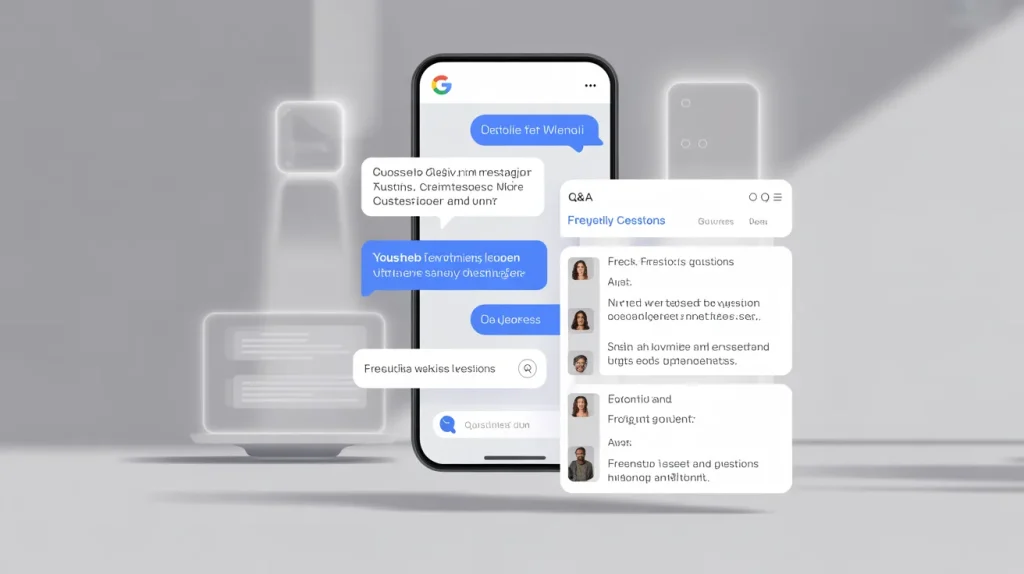
Turn on the messaging feature. Technical leads often prefer text over calls. You must respond within twenty-four hours, or Google might disable the feature. Use the Q and A section proactively.
You can ask and answer your own questions. This allows you to create a mini FAQ on your profile. Address technical concerns or pricing questions here. This removes friction for the buyer.
It also provides more keyword-rich content for the search engine to index. Monitor for user-generated questions. Other users can answer them, but you should provide the official response.
This ensures accuracy. A well-maintained Q&A section builds massive authority. It shows you know your craft inside and out. Treat this as a conversion tool.
Give detailed and helpful answers that prove your expertise. Don’t provide vague one-word replies. Give the user the information they need to make a decision.
This section appears directly in search results. It acts as a second description for your business.
Use it to address the most common objections your customers have. Professionalism here wins trust before the first phone call.
Leveraging Insights and Metrics to Improve Performance Over Time
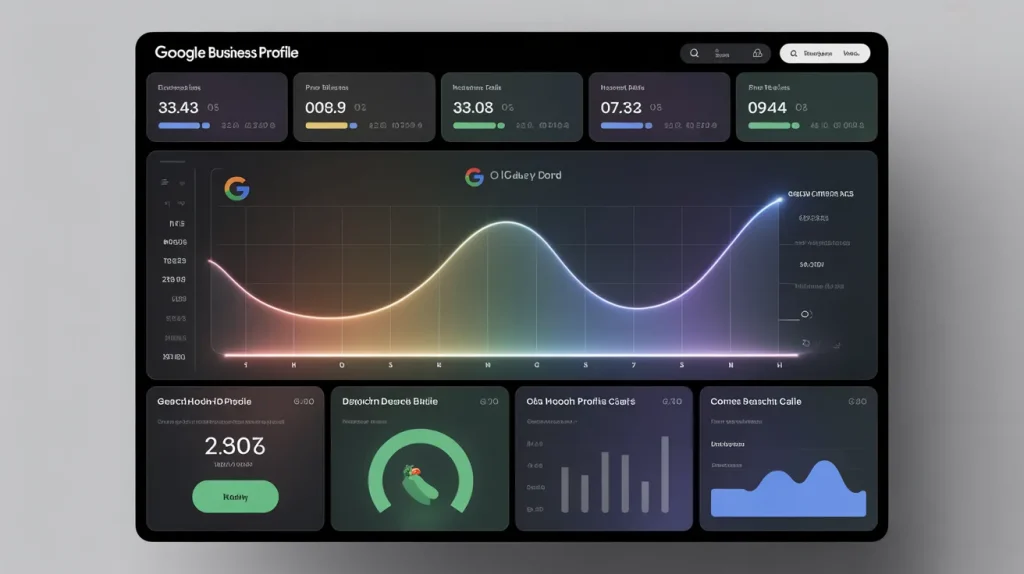
Data tells the truth while your gut lies. Check your performance reports monthly. Track how many people found you through Discovery versus Direct searches. Discovery means they found you via a keyword. Direct means they searched for your name.
You want a high discovery rate. This proves your search strategy works. Look at the queries used to find your business list. These are the actual terms users typed. Incorporate these keywords into your posts and description.
Track the time of day people call you. Adjust your staffing to meet this demand. Monitor photo views compared to your competitors. If yours are lower, you need better images.
Use the API for more detailed tracking if you manage multiple locations. This allows for deeper analysis of local trends. Use this data to pivot your strategy.
If one service gets more clicks, focus your content on that area. Google keeps changing the interface for these metrics.
Stay current on the “Google Business Profile updates news” to understand what the numbers mean. Knowledge of your data is your competitive advantage. Don’t just look at the numbers. Act on them to grow your market share.
Advanced Consistency Practices for NAP Data Across Your Web Presence
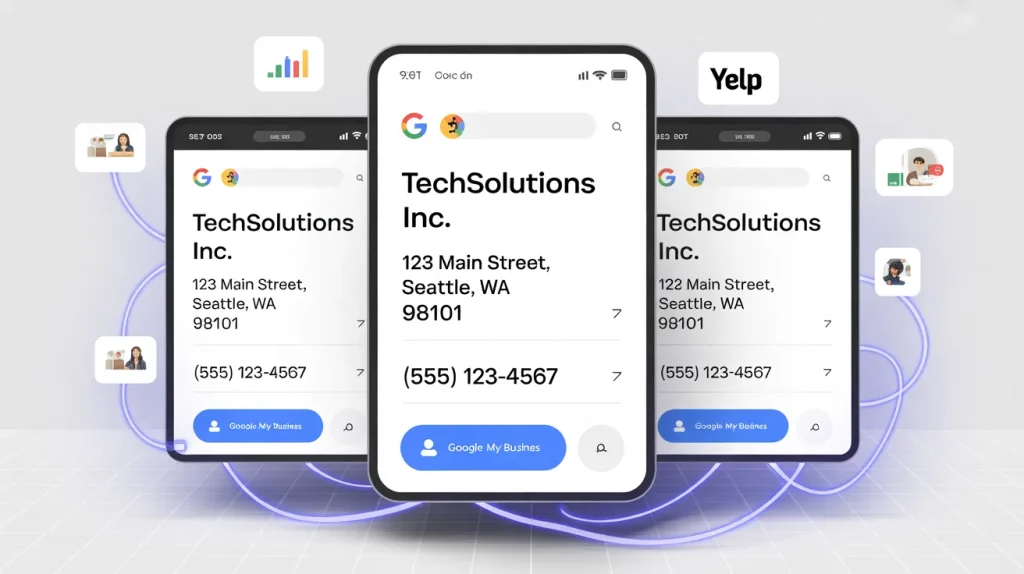
Name, Address, and Phone number consistency is non-negotiable. Any variation causes data drift. This confuses Google and drops your rank. Street versus St. might seem minor, but keep it identical everywhere. Use Schema markup on your website.
This is a snippet of code that tells search engines exactly who you are. Use the LocalBusiness type for the best results. Check your listings on major aggregators like Yelp and Yellow Pages.
If they have old data, fix it. Google trusts these sources to verify your profile. Use tools to scan for duplicate listings. These split your ranking power and must be merged.
Ensure your social media profiles use the same contact info. This creates a unified digital footprint. Consistency builds trust with the algorithm. It proves your business is a stable and legitimate entity.
If you move locations, update every single directory immediately. Do not leave old data floating around the web. This is the foundation of local search.
If the foundation is shaky, your profile will never reach the top. Audit your footprint every quarter to ensure perfection. Success in the local pack requires total data integrity across the entire internet.
Conclusion
Stop treating your profile like a static billboard. Success requires daily attention and precise data management. You now have the tools to dominate your local market.
Update your photos often and reply to every single review. Watch your metrics and adjust your strategy based on real user behavior.
Your business lives or dies by its digital reputation. Take control of your map presence today and watch your local calls increase.
Frequently Asked Questions
Claim your listing and verify your physical location first. Complete every section of your profile with accurate details. Use high-quality photos of your storefront and products. This helps people recognize your brand. Update your hours for every holiday.
Post weekly updates about your services. This activity signals to Google that your business stays active. Focus on getting more genuine reviews from happy customers to build trust very fast today.
Choose the most specific primary category for your niche. Generic categories invite too much competition. Write a detailed description using local keywords. Mention your city and neighborhood names naturally. Add a direct link to your booking page or menu.
This reduces the steps for a customer to hire you. Use the Q and A section to answer common concerns before people even call you. This saves time for everyone.
Your profile puts you on the map when people search for nearby services. It bridges the gap between an online search and a physical visit. Potential clients see your ratings and location immediately.
This builds instant credibility. It provides a direct line for calls and messages. You reach people exactly when they are ready to buy. Most local searches lead to a visit within twenty-four hours of the search.
Update your profile every single week. Frequent posts keep your listing fresh and engaging. Check your operating hours every month to ensure accuracy. Upload new photos whenever you finish a big project or change your decor.
Use the latest Google Business Profile updates news to stay ahead of the curve. Regular activity shows the search engine that you provide reliable information. Staying active helps you beat quiet local competitors.
Add a clear call to action button like Book Now or Order Online. This turns viewers into leads immediately. Upload a video tour of your office to build a personal connection.
Include a list of your specific services with transparent pricing if possible. Use the products section to showcase your top sellers with great images. People buy with their eyes first. Giving them more information upfront makes the decision easier.
Reviews act as a massive ranking signal for the local map pack. High ratings tell Google that people trust your business. The frequency of new reviews matters just as much as the score.
Respond to every comment to show you value feedback. Use natural keywords in your replies. This adds more context for the search engine. Positive feedback improves your click-through rate and pushes your profile higher in local rankings.
Yes. Most mobile users click on the map results before scrolling to traditional websites. A strong profile drives physical foot traffic to your door. It also increases calls and website visits.
By showing up for near me searches, you capture high-intent customers in your immediate area. People use the Get Directions feature to find you instantly. This tool is the fastest way to turn local searchers into actual visitors.
Avoid using a fake address or a P.O. Box. Google will suspend your account for this. Don’t ignore negative reviews or leave them without a response. This makes you look unprofessional.
Stop using stock photos that don’t represent your real space. People spot fake images quickly. Avoid keyword stuffing in your business name. Only use your legal name. Breaking these rules leads to penalties that ruin your local search visibility.
Build local citations on other directories like Yelp and Bing. Ensure your name and phone number match everywhere. This consistency builds authority. Focus on proximity by targeting customers in your specific zip code. Get more reviews that mention your city name.
Use relevant categories and keep your profile fully updated. High engagement through posts and messages also signals quality to Google. Active management is the secret to reaching top spots.
Google Business Profile remains the most critical tool for local discovery. It dominates the top of the search results page on mobile devices. Without it, you lose out to competitors appearing on the map.
It provides the data Google needs to verify your local existence. Most local transactions start with a search on this platform. Ignoring your profile means leaving money on the table. It is the heart of local search.
Turn Your Google Business Profile Into a Local Growth Machine
Most businesses set up a Google Business Profile and expect calls and customers to start coming in, but it doesn’t really work like that.
If your profile isn’t properly optimized with local SEO, updated information, and regular activity, it usually just sits there while competitors get the attention.
To actually grow, you need more than just a listing. You need a proper system that helps people find you, trust you, and actually contact you.
Working with the best digital marketing agency can help you connect everything properly, like SEO, content, reviews, and local optimization, so your profile starts bringing consistent results instead of random traffic.
Start Growing Your Business the Right Way
Instead of guessing, it’s better to see what’s missing in your current setup.
Book Your Free Consultation Today
We’ll review your Google Business Profile, show what’s holding you back, and suggest simple changes to help you get more calls and real customers.
Focus on doing things the right way, not random marketing tricks.
📞 Call: +1 (888) 251-7552
📧 Email: info@americandesignhub.com